Indó - app

Written by
Embla Þórsdóttir
Published
Copy link
Written by
Embla Þórsdóttir
Published
Copy link
Note: Indó only has support for setting up monthly transfers in their app.
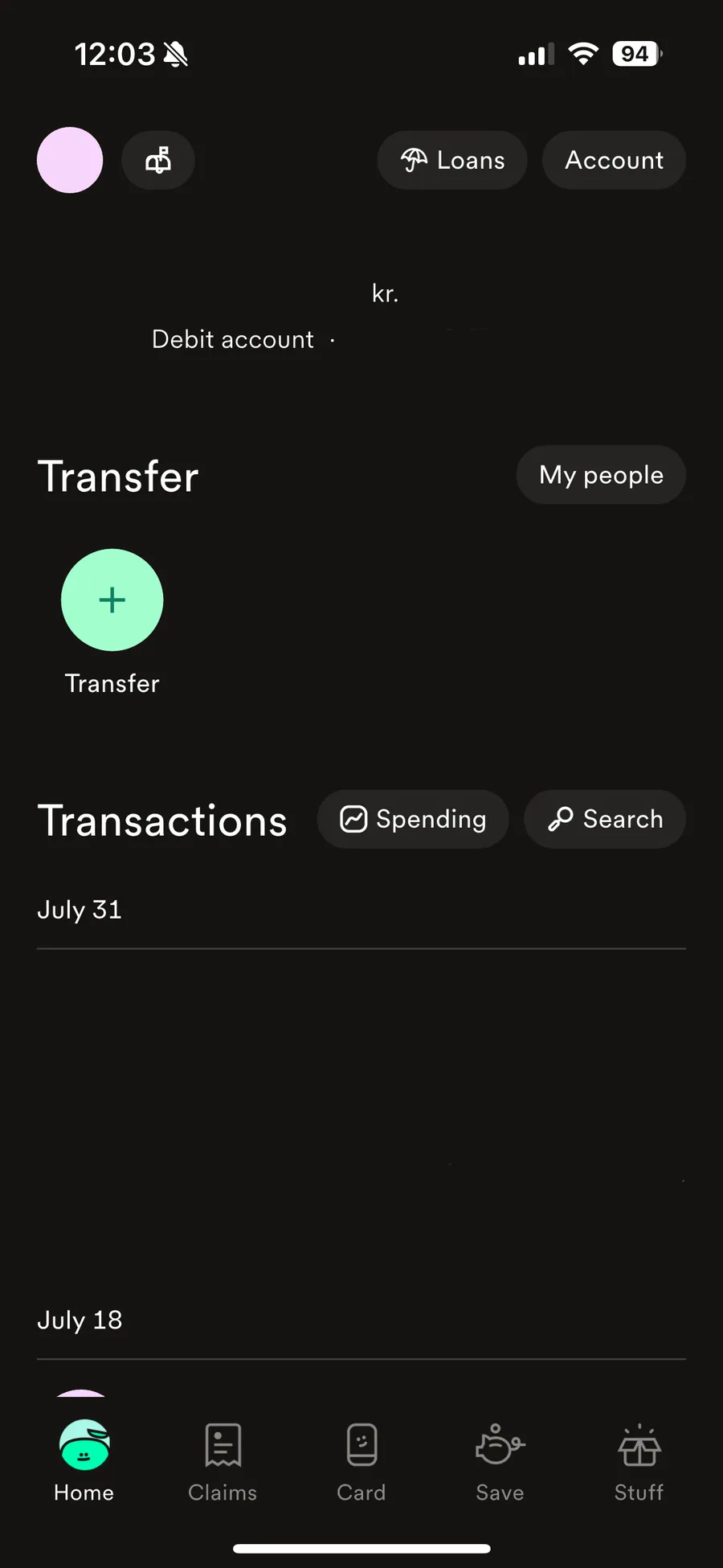
1. Open the Indó app and click on Transfer on the home screen.
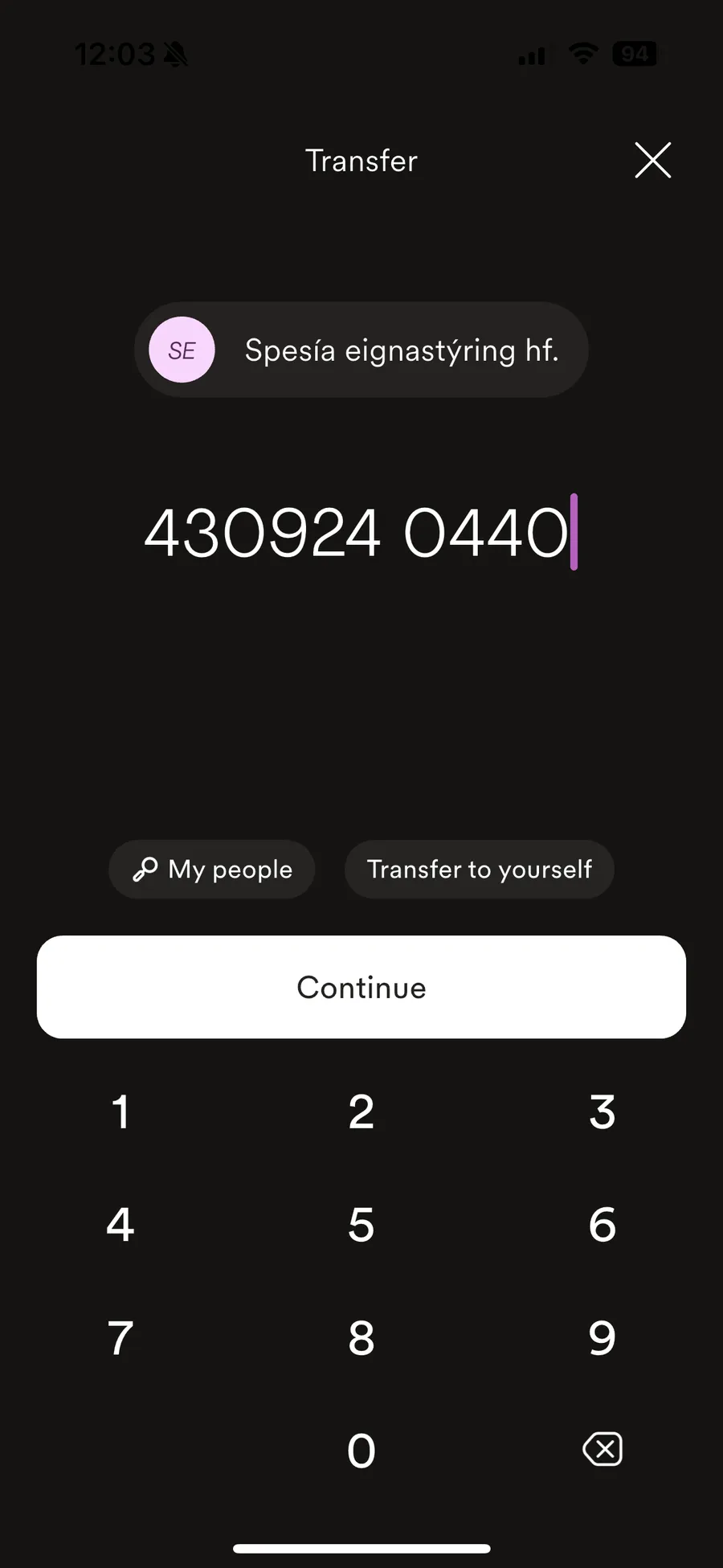
2. Next enter Spesía‘s ID number: 4309240440. Click on Continue.
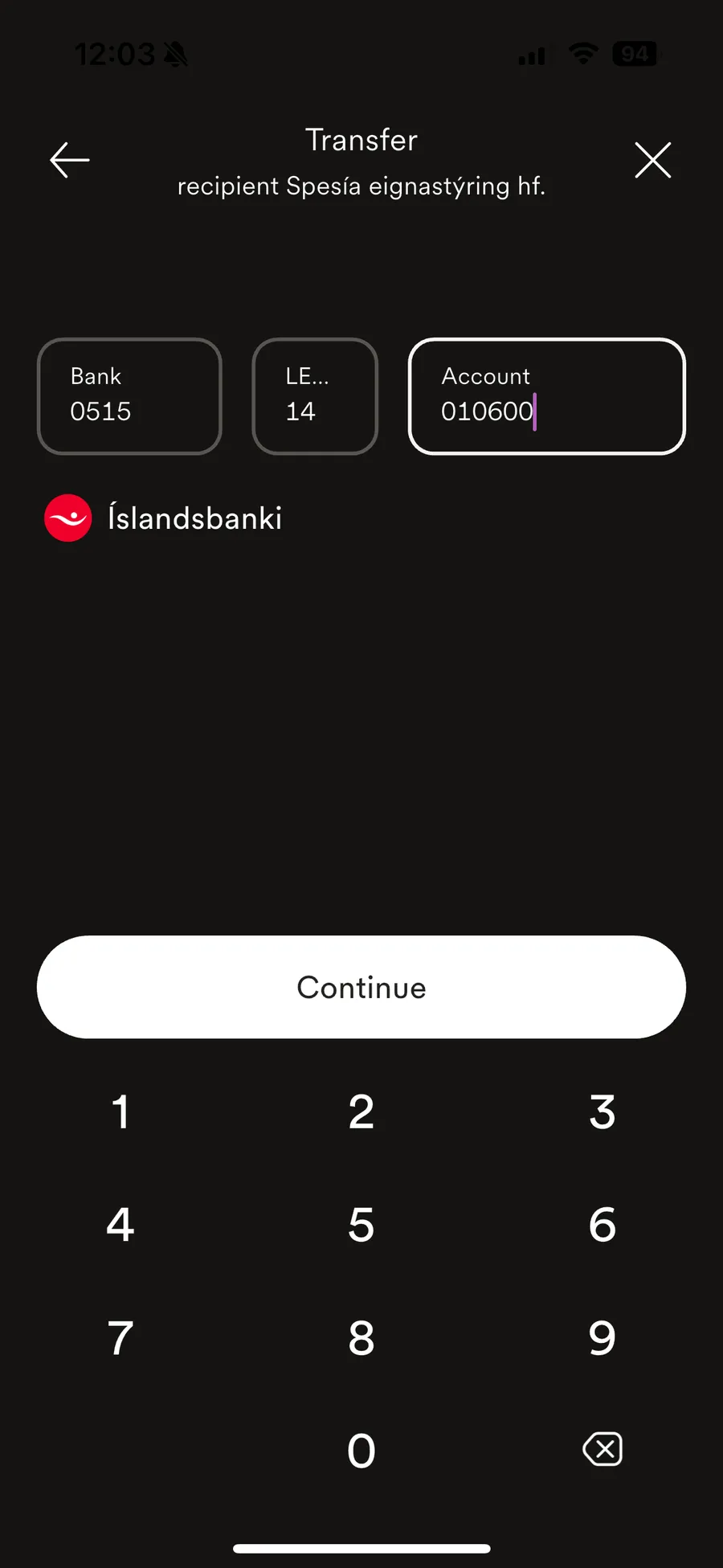
3. Then you fill in Spesía‘s account number: 0515-14-010600 and click Continue.
4. Next you choose the amount of the recurring payment and click on the calendar icon on the left side on the screen:
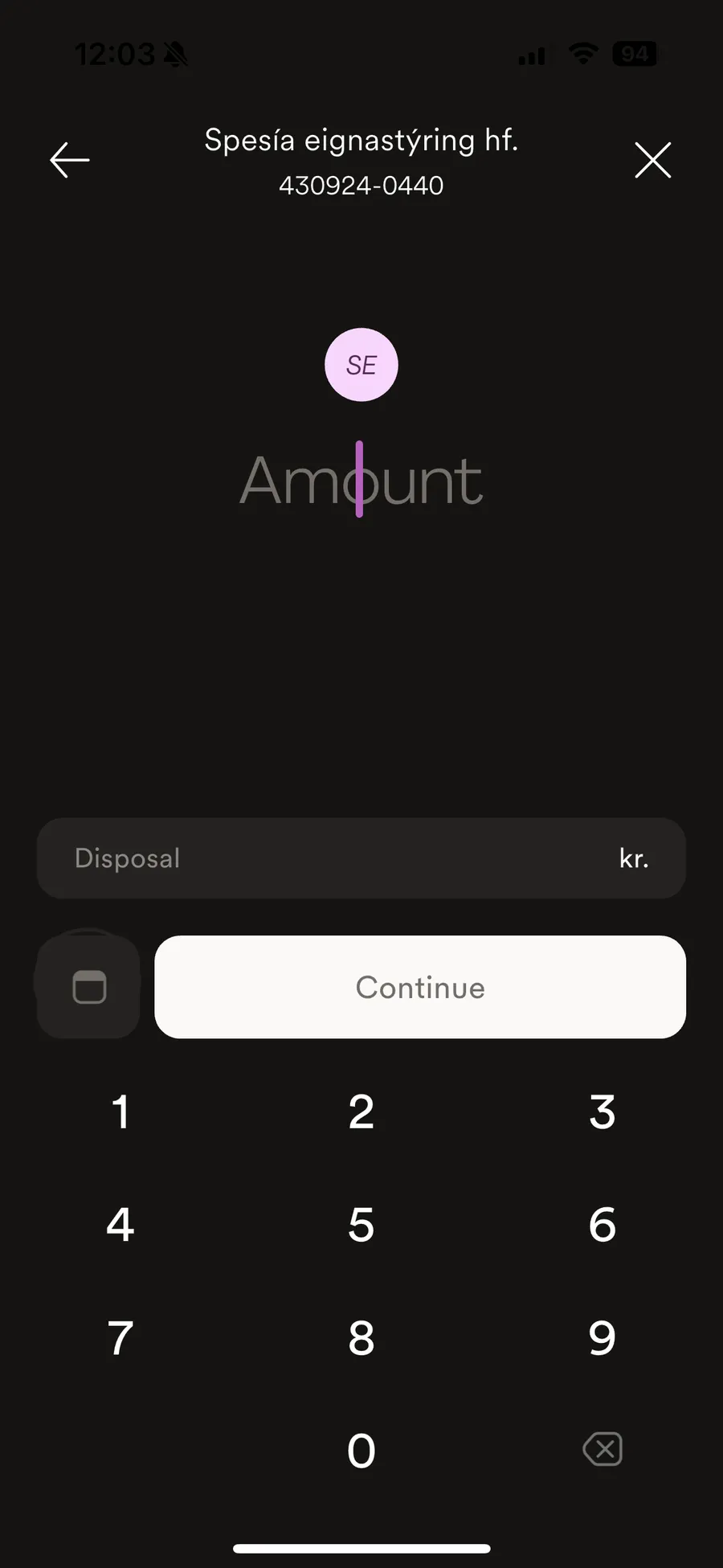
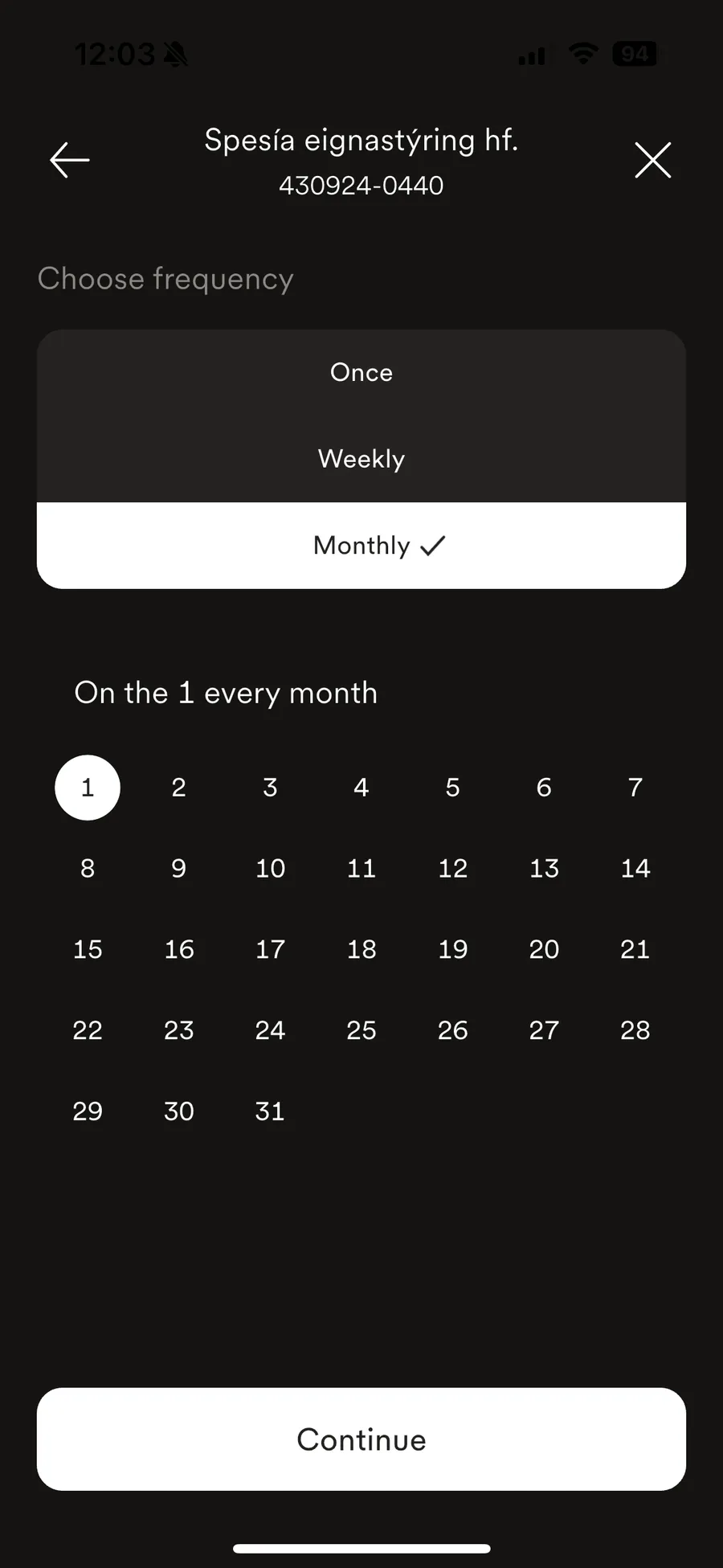
5. There you can choose the date of the first payment (the day of month the recurring transfer should happen every month) and whether it should be repeated weekly or monthly. Click on Continue.
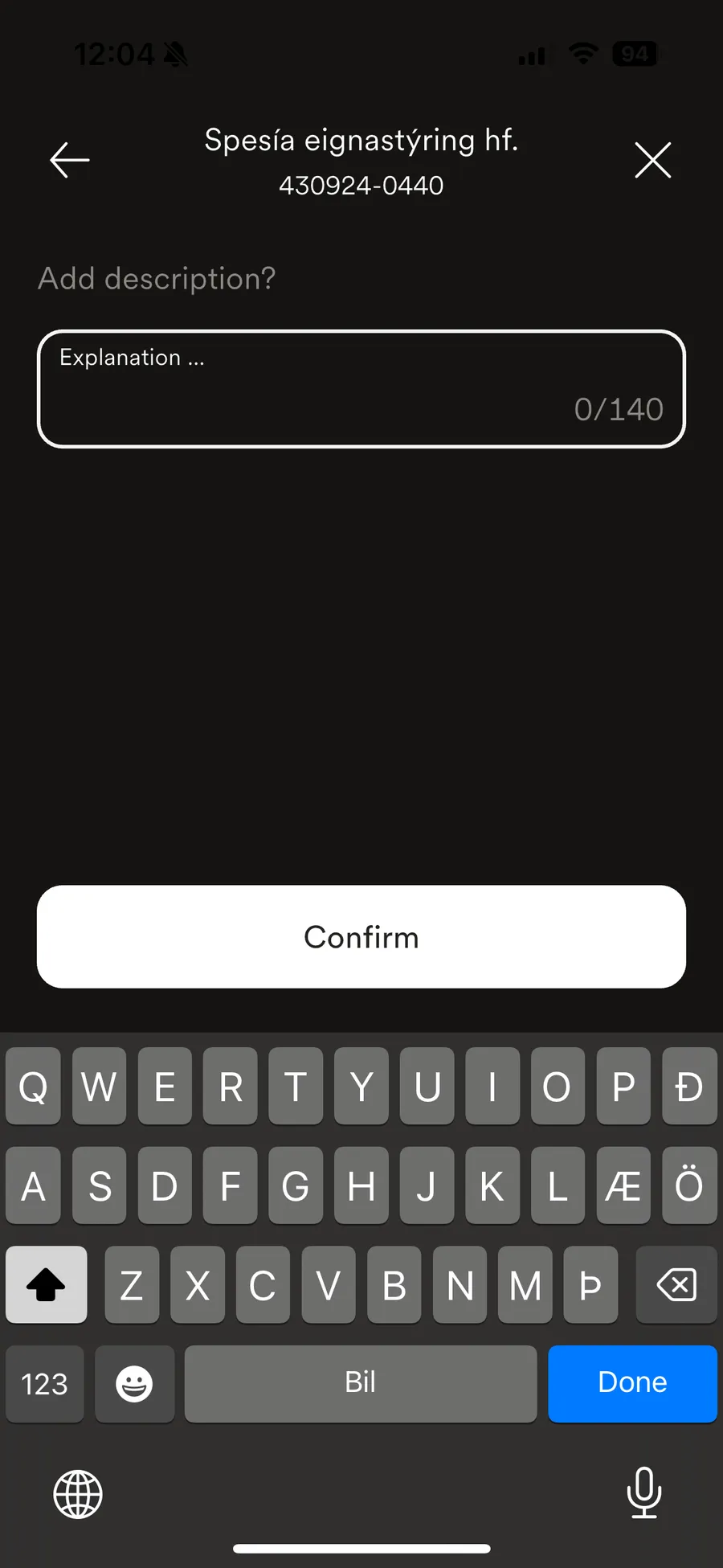
6. Finally you can choose whether you want to add a description for the payment (not necessary). Click on Confirm and that‘s it.